You can place calls using the Elevate desktop application directly.
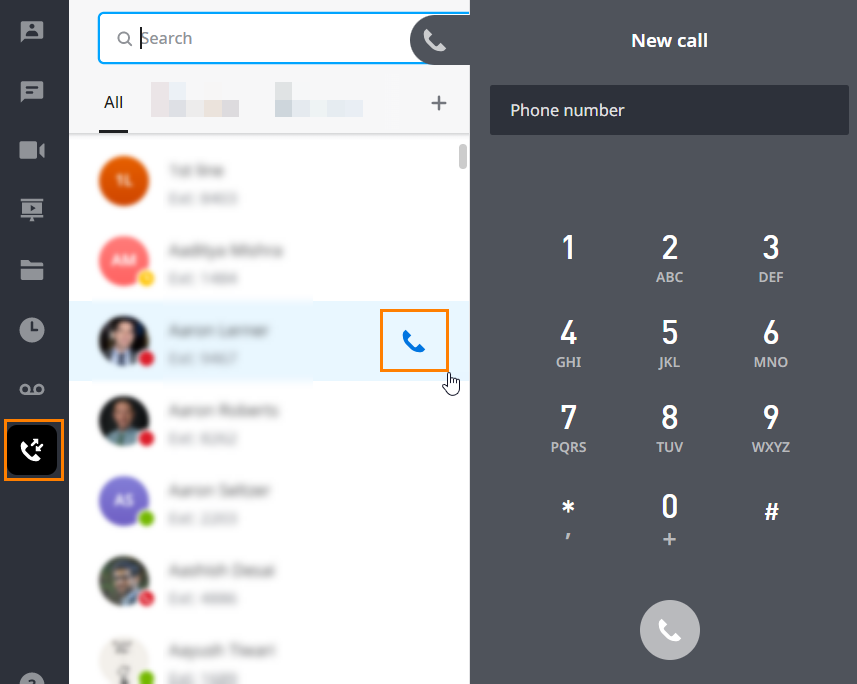
- You can locate the contact you would like to place a call to in either the Contacts or the Calling tab. Press the Call button to start the call.
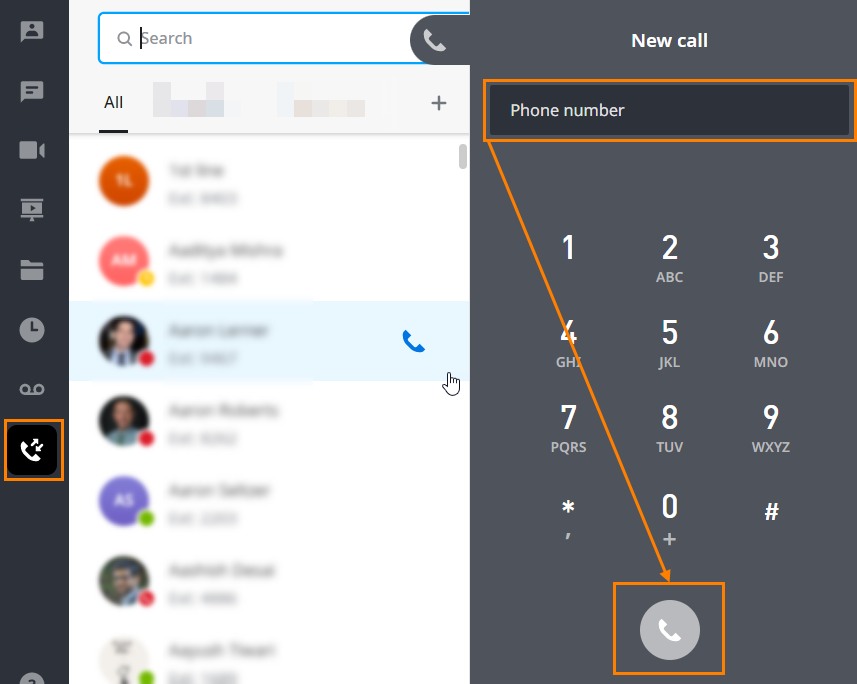
- You can use the keypad in the Calling tab to enter the preferred number and start the call directly.
Depending on whether the application is in the Deskphone or the Computer mode, the call will start differently:
- In the Deskphone mode, a new call would rind your current device first, and once you pick up the call on your device, the call will be sent to the recipient.
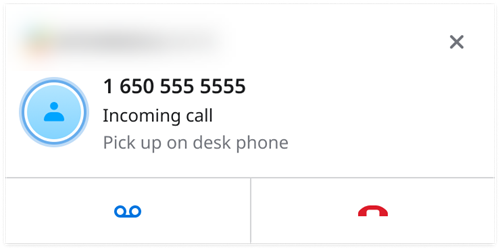
- While in the Deskphone mode, you can pick up calls on the phone device only. The desktop application allows you to either reject the call or to send it to the voicemail.
- In the Computer mode, you can place or receive calls directly from your desktop, using the audio devices of your computer.
You can read the Elevate Desktop App: Deskphone and Computer Modes article for more information on differences between these modes and available options.
You can have multiple calls running at the same time. You will see active calls in different tabs.

You can switch between these tabs by simply clicking on them.
Note: ringback tones depend on the country assigned in CONTROL PANEL. The carrier may change the ringback tone during the call.
In the notification pop-up window you can do the following:
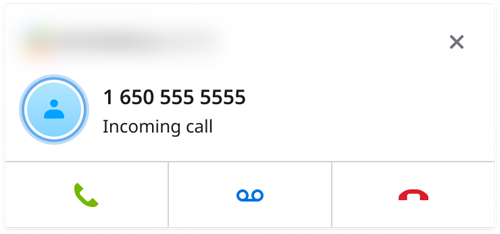
- Answer call allows to quickly answer call in Elevate if Computer mode is active.
- Decline call stops incoming call on desktop app, all other instances will still have that call active.
- Forward to voicemail stops incoming call on desktop apps and all other devices/apps and forward that call to voicemail, ignoring any call routing rules.
Was this article helpful?
That’s Great!
Thank you for your feedback
Sorry! We couldn't be helpful
Thank you for your feedback
Feedback sent
We appreciate your effort and will try to fix the article